Image ChatGPT Image 2
Iconic Battlefields: A Designer Toy Tribute
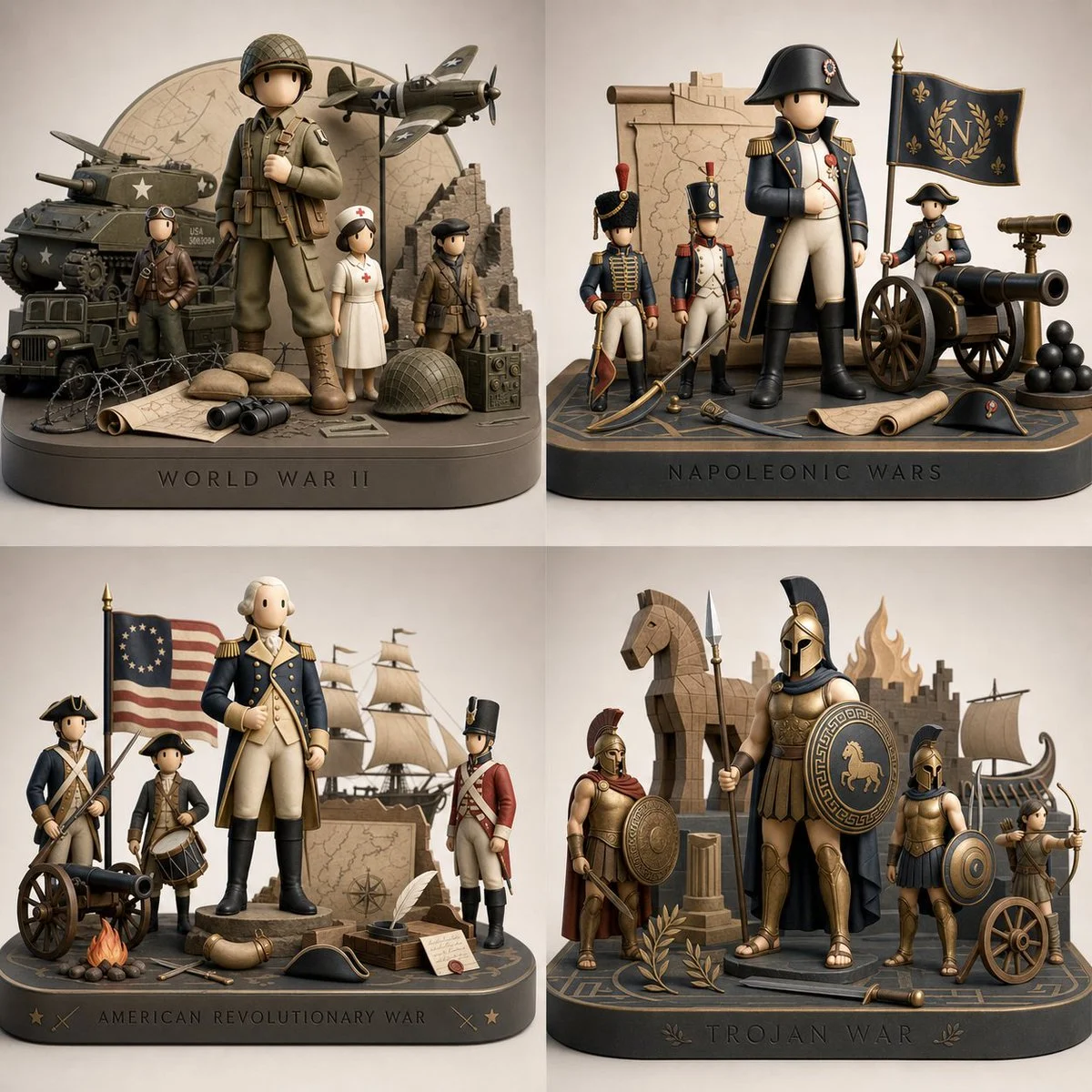
Explore a visually striking 2x2 grid showcasing four famous wars through a modern designer-toy interpretation. Each diorama features iconic symbols and key figures in a minimalist aesthetic that captures the essence of conflict.
Prompt
2x2 grid, do this for 4 famous wars

INPUT_TOPIC ::= "scene"

[TOPIC_ANALYSIS]
From INPUT_TOPIC, first infer:
- The most iconic central character, object, or symbol, the iconic 3d diorama of the scene
- 6-8 important secondary characters or icons
- A signature setting or context fans associate with INPUT_TOPIC
- at least 10 recognizable props or motifs

<scene> ::= <base> "+" <primary_figure> "+" <supporting_figures> "+" <props> "+" <photo_env>

<base> ::= "
low, clean rectangular plinth with softly rounded edges,
satin finish in a color that harmonizes with INPUT_TOPIC’s palette,
front edge subtly debossed with the title of INPUT_TOPIC in minimalist typography
"

<primary_figure> ::= "
large modern designer-toy interpretation of the inferred central icon of INPUT_TOPIC,
stylized with elongated proportions, smooth surfaces, minimal facial features,
bold color blocking, and a strong graphic silhouette,
posed in a calm but iconic stance that instantly reads as that character or symbol
"

<supporting_figures> ::= "
two to four smaller designer-toy figures based on key supporting icons from INPUT_TOPIC,
simplified and smoothed in the same aesthetic,
each differentiated by clear color schemes and silhouettes,
arranged asymmetrically around the primary figure like a curated art-toy set
"

<props> ::= <symbolic_forms> "+" <graphic_motifs>

<symbolic_forms> ::= "
a small selection of sculpted props derived from INPUT_TOPIC
(weapons, gadgets, emblems, vehicles, tools, etc.),
reduced to bold geometric shapes with limited detail,
placed on or slightly above the base as if part of a gallery installation
"

<graphic_motifs> ::= "
raised or inlaid abstract shapes, icons, or logos that reference INPUT_TOPIC’s themes,
integrated into the base surface or behind the figures as flat planes
"

<photo_env> ::= "
high-end product-photography setup with seamless neutral backdrop,
soft even lighting, gentle reflections on the satin surfaces,
camera angle slightly above eye level to showcase the designer-toy silhouettes
"

[INSTRUCTION]
Render one image that instantiates <scene> exactly as defined above,
deriving all character identities, props, and motifs from INPUT_TOPIC,
and expressing them in a modern designer-toy aesthetic.
Published: May 9, 2026 by Gadgetify